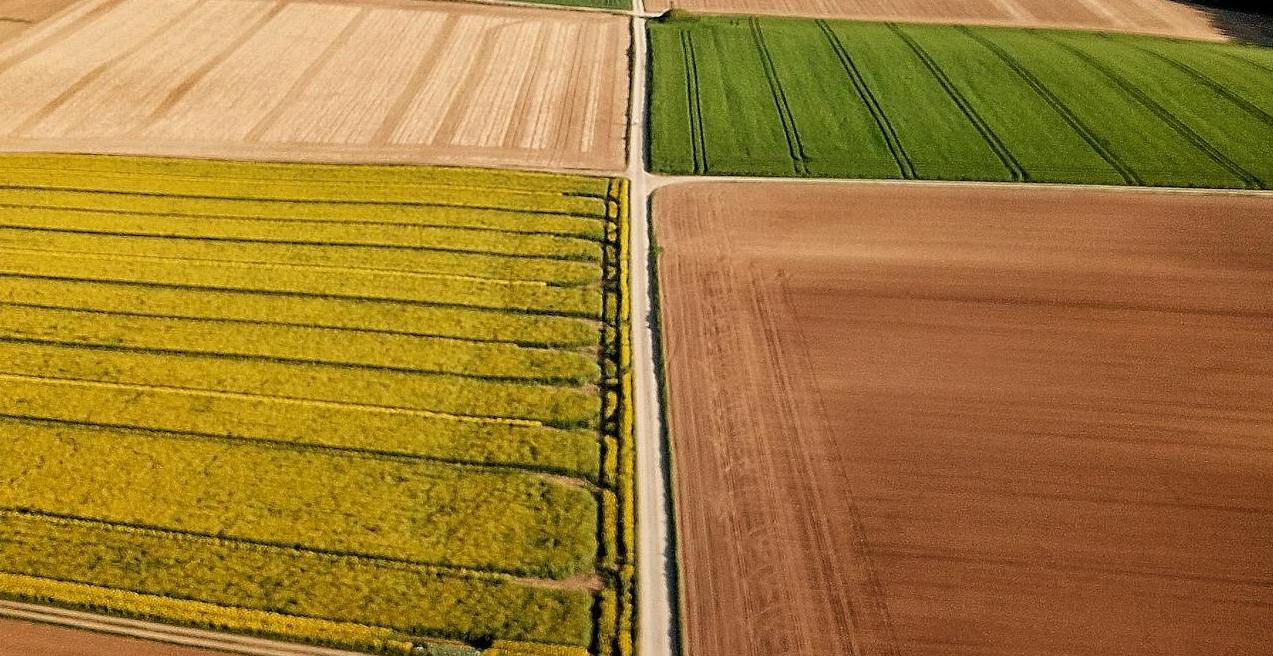
In the modern agricultural landscape, drone mapping software has evolved from an optional enhancement to an indispensable asset. These advanced platforms enable agribusinesses to harness aerial imagery, transforming it into actionable insights that drive operational efficiency and enhance productivity.
Today, many farmers and agribusinesses actively search for the best free drone mapping software or affordable alternatives before investing in premium platforms. Whether you are a beginner testing drone workflows or a professional scaling operations, choosing the right software is essential.
By leveraging these platforms, businesses not only refine their service offerings but also significantly boost customer satisfaction, highlighting the transformative impact of drone mapping on contemporary agriculture.
Pix4D: Pioneering Precision and Versatility
Pix4D stands out as a leading player in the drone mapping software domain, acclaimed for its prowess in photogrammetry—the technique of constructing 2D and 3D maps from overlapping images.
Although Pix4D is a premium solution, many users start with trials or compare it against free photogrammetry software before upgrading.
Pix4D’s Strengths
User-Friendly Interface
Pix4D’s design prioritizes accessibility, allowing even those with minimal technical expertise to navigate its features with ease. This intuitiveness results in a shorter learning curve and more rapid deployment.
High-Precision Outputs
The software’s pricing can be prohibitive, particularly for smaller enterprises or individual users.
This is why many beginners first evaluate the best free drone mapping software before committing to Pix4D.
Versatile Applications
Although predominantly used in agriculture, Pix4D’s utility extends to construction, mining, and public safety, underscoring its broad applicability.
Efficient Data Processing
The platform’s ability to handle large datasets swiftly conserves valuable time and resources.
Strong Community Support
A substantial user base supports Pix4D, offering extensive resources such as tutorials and forums to assist users in optimizing the software’s potential.
Pix4D’s Weaknesses
High Cost
The software’s pricing can be prohibitive, particularly for smaller enterprises or individual users, representing a significant investment.
Complex Advanced Features
While basic functions are accessible, mastering advanced features can be intricate and time-consuming.
Demanding System Requirements
To achieve optimal performance, users need high-performance hardware, increasing the overall cost of implementation.
Agisoft Metashape: Precision and Flexibility
Agisoft Metashape is another prominent photogrammetry software celebrated for precision and extensive features.
Metashape is often considered the next step after testing free drone mapping software for agriculture due to its advanced customization and processing capabilities.
Agisoft Metashape’s Strengths
Exceptional Precision
Metashape is renowned for its high accuracy, which is crucial for intricate and demanding agricultural projects.
Flexible Processing
The software enables users to fine-tune processing parameters, tailoring the results to specific project needs and enhancing output quality.
Advanced Tools
Metashape offers features such as point cloud classification and mesh editing, catering to experienced users seeking detailed analyses.
Batch Processing
Automated workflows efficiently manage large datasets, streamlining the data processing pipeline.
Open Format Compatibility
The software supports a variety of image formats and export options, boosting its versatility.
Agisoft Metashape’s Weaknesses
Steep Learning Curve
Can be overwhelming for beginners transitioning from free mapping software.
High Computational Demands
Processing extensive datasets demands significant computational power, necessitating advanced hardware.
Less Intuitive Interface
Compared to some competitors, Metashape’s interface may appear less user-friendly.
Cost
The software’s price point may deter small businesses or individual users.
DroneDeploy: Simplifying Data Management
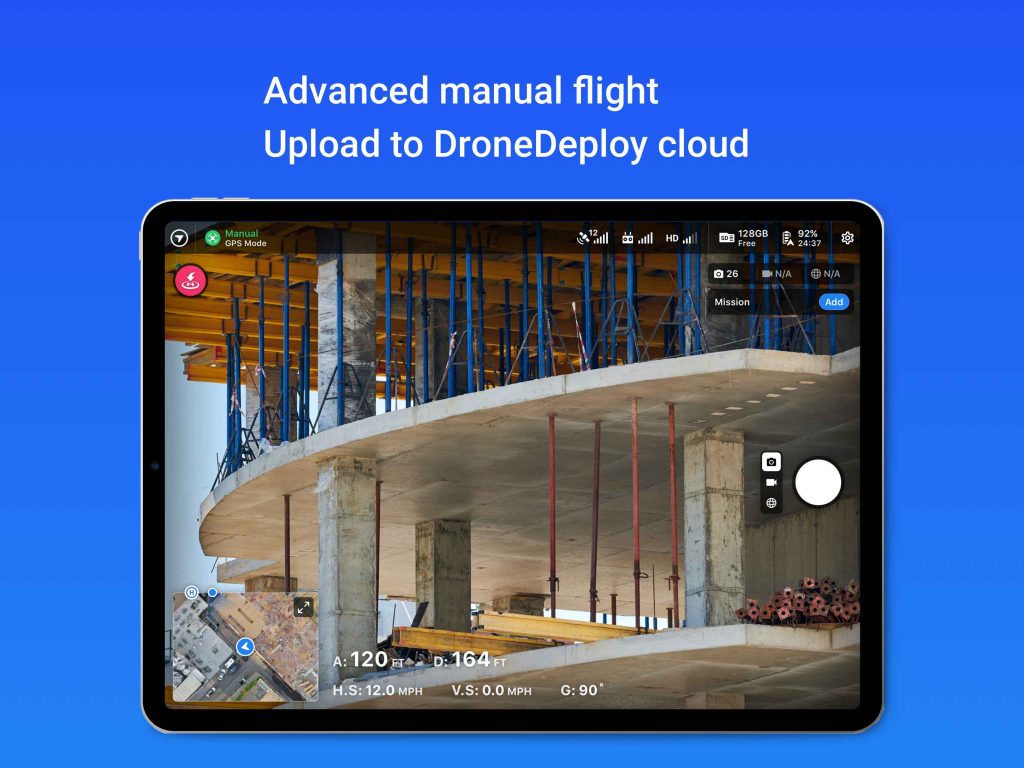
DroneDeploy provides a cloud-based solution designed to streamline drone data capture, processing, and analysis.
Its entry-level plan makes it one of the most popular platforms for users moving from free drone mapping software to paid cloud solutions.
DroneDeploy’s Strengths
Ease of Use
Its intuitive interface makes DroneDeploy accessible to users with minimal technical background.
Cloud-Based
The platform’s cloud capabilities facilitate easy data sharing and collaboration, essential for team-based projects.
Automation
The software automates many flight planning and data processing tasks, improving overall efficiency.
Industry-Specific Features
Tailored functionalities for agriculture, construction, and other industries ensure practical and relevant applications.
Integration Capabilities
DroneDeploy integrates seamlessly with various drone models and additional software, offering a comprehensive solution.
DroneDeploy’s Weaknesses
Limited Customization
While user-friendly, it may lack the advanced customization options available in more specialized software.
Internet Dependency
As a cloud-based solution, it requires a stable internet connection for optimal performance.
Data Storage Constraints
Free plans and trial tiers may limit storage and processing, which is common among free drone mapping platforms.
3DF Zephyr: Balancing Features and Usability
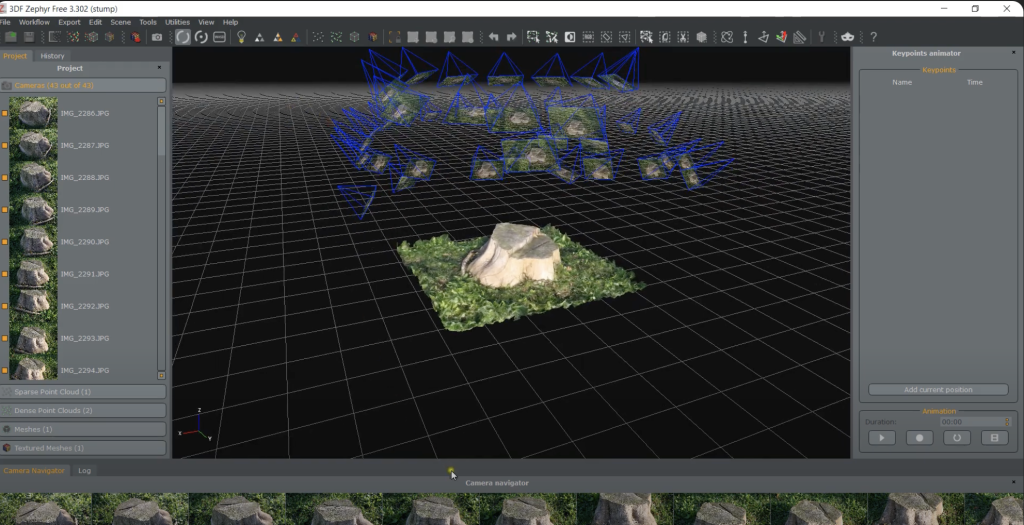
3DF Zephyr is recognized for balancing user-friendly design and powerful features. Notably, it offers a free version, making it a strong contender among the best free drone mapping software options for beginners and small teams.
3DF Zephyr’s Strengths
Accessible Interface
Despite its advanced capabilities, 3DF Zephyr maintains a relatively intuitive design, suitable for users with varying levels of experience.
Fast Processing
The software is optimized for quick handling of large datasets, enhancing productivity.
Versatility
It supports image processing from diverse sources, including drones, ground-based cameras, and videos.
Comprehensive Toolset
3DF Zephyr offers extensive tools for model editing, measurement, and analysis.
Cost-Effective Pricing
Its free edition makes it highly attractive for users exploring free drone mapping software for agriculture.
3DF Zephyr’s Weaknesses
Limited Advanced Features
It may lack some specialized features offered by more advanced software solutions.
Hardware Requirements
Optimal performance, particularly for complex projects, may necessitate high-performance hardware.
OpenDroneMap / WebODM: The Best Free Drone Mapping Software
OpenDroneMap is the world’s most popular open-source photogrammetry toolkit, and WebODM is its user-friendly interface. Together, they are widely considered the best free drone mapping software for beginners, researchers, and small agricultural teams.
Unlike paid platforms, this solution allows users to process drone imagery without licensing costs, making it ideal for testing workflows and small-scale agricultural projects.
OpenDroneMap’s Strengths
Completely Free and Open Source
OpenDroneMap is a powerful free drone mapping software that can generate orthomosaics, DSM, point clouds, and 3D models without subscription fees.
Great for Learning Photogrammetry
This platform is widely used as beginner drone mapping software for users learning aerial mapping and data processing.
Active Global Community
A strong developer and user community continuously improves the software and provides tutorials.
Ideal Entry Point Before Paid Software
Many professionals start with this free photogrammetry software before transitioning to Pix4D or Metashape for larger projects.
OpenDroneMap’s Weaknesses
Requires Technical Setup
Installation and configuration can be challenging compared to commercial tools.
Slower Processing Workflow
Processing time may be longer than premium cloud or desktop solutions.
Limited Customer Support
Support mainly comes from community forums.
Key Considerations for Choosing the Right Software for Agricultural Mapping Projects
Selecting the ideal drone mapping software for agricultural applications requires a nuanced evaluation of several critical factors. Each aspect plays a pivotal role in determining how well the software will meet the unique demands of agricultural operations.
Project Size and Complexity
The scale and intricacy of your agricultural project significantly influence the choice of software. For expansive farms or large-scale agricultural enterprises, Agisoft Metashape offers advanced capabilities that are indispensable. Its high precision and extensive range of features cater to complex projects where detailed 3D models and accurate digital surface models are crucial. On the other hand, smaller farms or operations with less demanding requirements might find DroneDeploy to be a more practical solution. DroneDeploy’s ease of use and streamlined processing are well-suited to simpler tasks, allowing users to achieve effective results without the need for advanced functionalities that might be overkill for their needs.
Budget Considerations
Financial constraints are a significant factor in software selection. Pix4D and Agisoft Metashape, while offering robust and advanced features, come with a higher price tag that might be prohibitive for smaller businesses or individual users. These investments are often justified by the sophisticated capabilities and high precision they provide. Conversely, DroneDeploy and 3DF Zephyr present more cost-effective solutions, making them appealing for those with tighter budgets. These options offer a balance between functionality and affordability, enabling users to achieve satisfactory results without the substantial financial outlay required by higher-end software.
User Expertise
The level of expertise among users is another critical consideration. For those new to drone mapping or with limited technical experience, DroneDeploy and 3DF Zephyr offer user-friendly interfaces that simplify the learning process. These platforms are designed to be accessible and intuitive, reducing the time and effort required to become proficient. In contrast, users with more advanced skills and a deeper understanding of drone mapping may find greater value in the complex features and customization options provided by Pix4D or Agisoft Metashape. These software solutions cater to experienced users who require sophisticated tools and advanced capabilities to meet specific project demands.
Summary
Choosing the right drone mapping software involves evaluating project requirements, budget, and expertise. Starting with the best free drone mapping software is a practical strategy for many agricultural teams. As operations grow, transitioning to advanced paid platforms can unlock deeper analytics, scalability, and long-term efficiency.